SDK Logging
How to enable SDK logs and check them?
SDK logging allows you to check integration for errors, crashes, and get some SDK information. In order to see SDK logs you need:
Android
-
Enable SDK logging with this code:
Appodeal.setLogLevel(Log.LogLevel.verbose); -
Configure Logcat to see logs from your device: https://developer.android.com/studio/debug/am-logcat
-
Now you can see logs from Appodeal SDK with the
Appodealtag: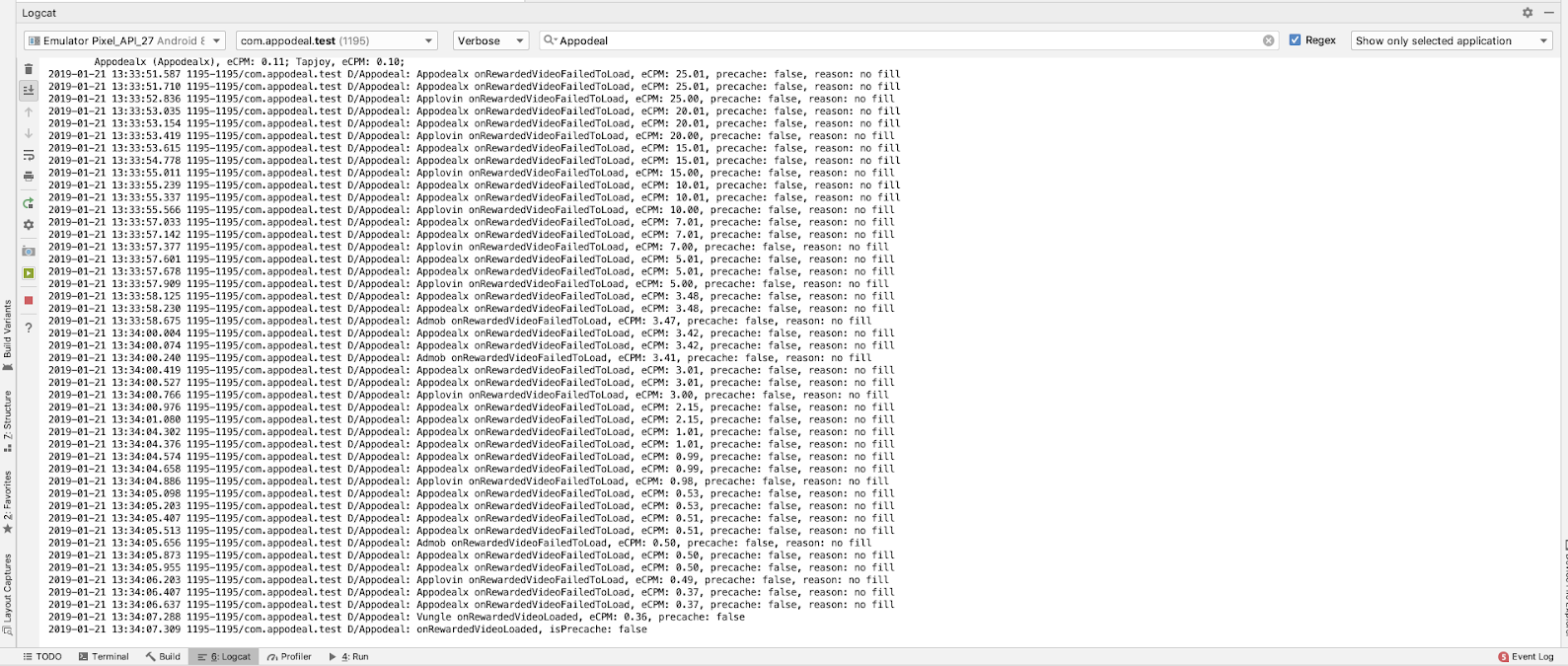
iOS
-
Enable SDK logging:
Objective-C:
[Appodeal setLogLevel:APDLogLevelVerbose];Swift:
Appodeal.setLogLevel(APDLogLevel.verbose) -
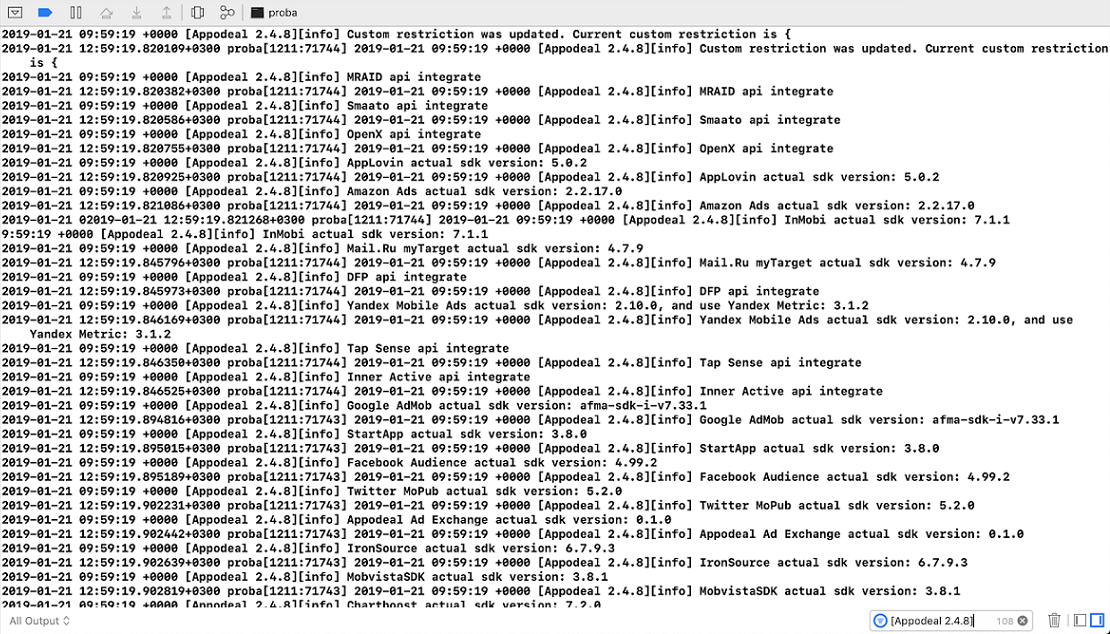
Run app in Xcode and check the Xcode console with the
Appodealtag: