Creating a VAST Campaign
If you want to use VAST tag URL for ad serving, you should create a video creative set with your URL.
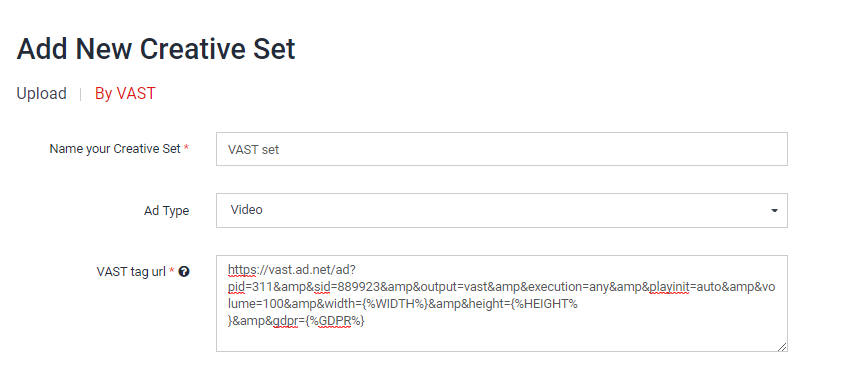
VAST tag URL is a simple URL able to download a VAST XML with all supporting information inside to play a video on a device. The URL can also consist of several macros inside it.
The list of macros and whole information about creative sets or campaigns you can find in the Ad Server documentation.
Here is a sample of formatted URL and using macros:
https://vast.ad.net/ad?pid=311&sid=889923&output=vast&execution=any&playinit=auto&volume=100&width={%WIDTH%}&height={%HEIGHT%}&gdpr={%GDPR%}
Before saving a creative set, please make sure that:
- URL does not contain any white spaces.
- If the set will be used for iOS campaign, you use
{%URL_ENCODED_...%}macros, if they are available. For example,{%URL_ENCODED_APP_BUNDLE_ID%}instead of{%APP_BUNDLE_ID%}. - You use only Appodeal supported macros (list of supported ones are in the Ad Server documentation, point 2.9).
- You check if you added all mandatory macros in the URL (the exact list depends on an advertising provider).
- Keep in mind that requests come from users' devices, and not from an Appodeal server.
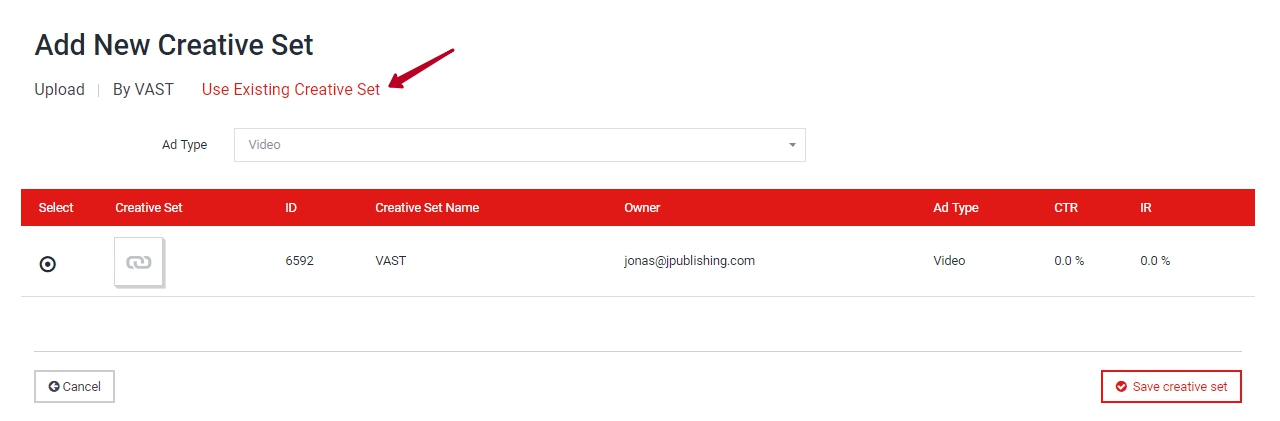
Once everything is in order, add the created creative set to the Ad Server campaign.
For the testing of your VAST campaign, please read this article: Testing and debugging a VAST campaign.